
Picking a Monitor Arm for a Standing Desk
If you decided against the monitor shelf, this is what to actually look for in an arm. The category is full of garbage; the good ones share four traits.
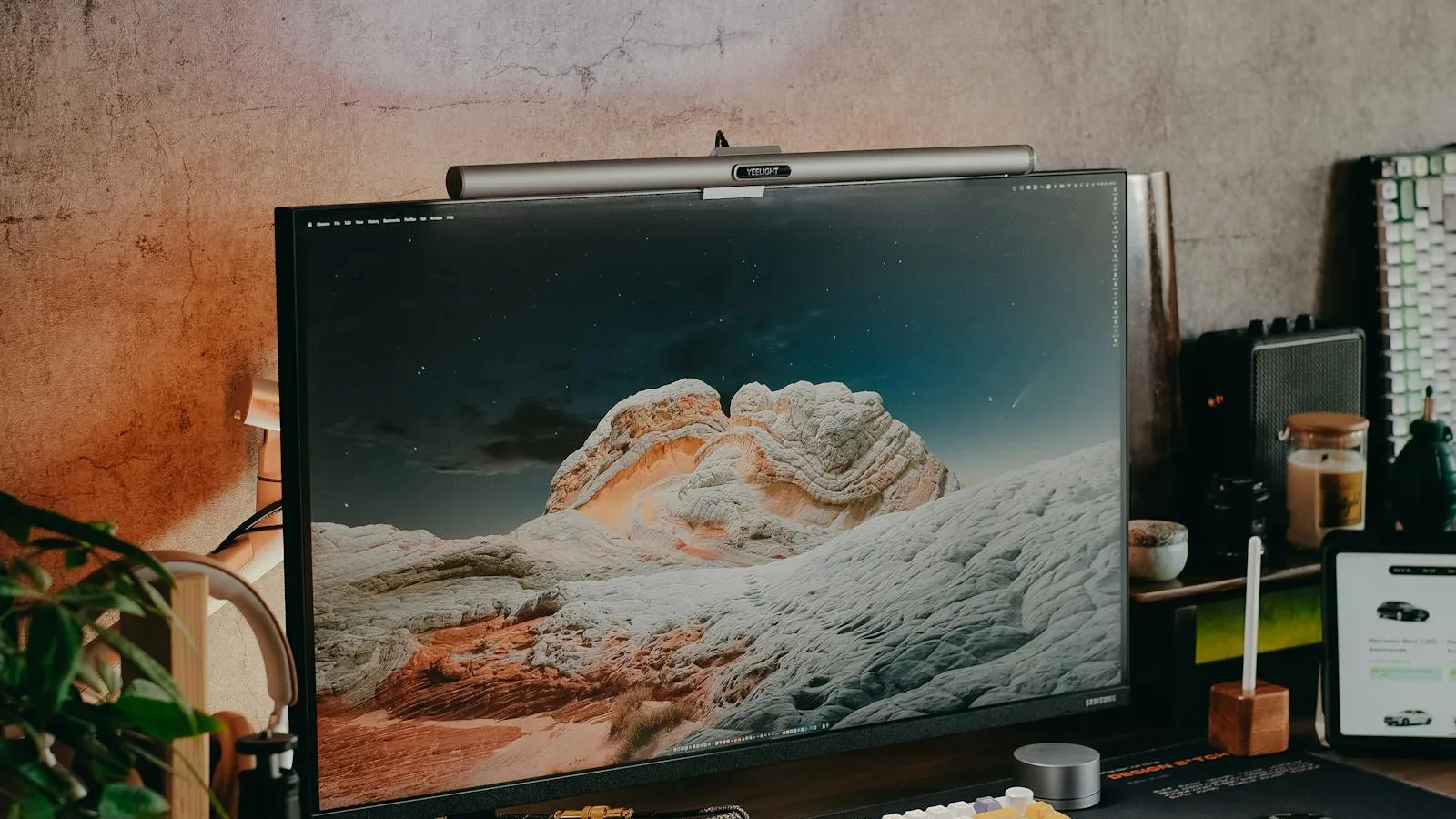
For most people a monitor shelf is the better answer — simpler, more stable, cheaper, less wobble at standing height. But there are real cases where a monitor arm wins: you have a wall behind your desk that blocks the back-edge clamp, you reposition the monitor frequently across the surface, you want easy access behind the monitor for cable changes, or you're running a dual- or triple-monitor setup where shelves get unwieldy. If any of those applies, here's the version of the conversation that's about arms specifically.
The category, briefly
Monitor arms come in two basic mechanical types:
- Gas-spring arms. A pneumatic cylinder counterbalances the monitor's weight. Smooth, one-handed adjustment, holds position at any angle. The premium category — Ergotron, Humanscale, Jarvis Monitor Arm, Fully Jarvis Mini, etc. Cheaper Amazon brands (MOUNTUP, HUANUO, ErGear) also use gas springs and many are surprisingly good for the price.
- Mechanical-spring arms. A coil spring with a tensioner. Cheaper, often jerky to adjust, harder to fine-tune, more prone to drift over time. The arms under $50 are mostly this style.
Anything not gas-spring at this point is hard to recommend. The gas-spring premium is small ($30–$60) and the experience difference is substantial.
The four specs that determine whether the arm works
- Weight rating, with margin. Your monitor's weight is the spec the arm is rated for, but every gas-spring arm performs better at 60–80% of its max than at 90–100%. A 32" monitor at 20 lbs paired with an arm rated 15 lbs will technically work but drift over a week. Same monitor on an arm rated 25 lbs holds position indefinitely.
- VESA pattern compatibility. 75×75 mm and 100×100 mm are the standard patterns. Most monitors and arms support both. Verify before buying — some ultrawide and gaming monitors use 200×100 or proprietary patterns that need adapters.
- Vertical travel range. The arm's up-down range is independent of the desk's up-down range. A standing desk that travels 13" up and an arm with only 4" of vertical travel means the monitor has to ride the desk — fine, but the arm isn't adding adjustability there. Arms with 10–13" of independent vertical travel let you set monitor height once for sitting and once for standing, with memory.
- Mount type. C-clamp (squeezes the back edge of the desk) is the most common and works on desk surfaces 0.4–4" thick. Grommet mount (drops through a hole in the desk) requires drilling but is sturdier. Wall mount and pole mount exist for specific needs. Verify your desk's edge thickness is in the clamp's range — butcher block tops at 1.5"+ are within range for most clamps but verify.
Single vs. dual vs. triple
Single-monitor arms are the simplest and most stable. The arm's lever arm is short, so wobble is minimal even on long extensions. Almost any decent gas-spring arm works.
Dual-monitor arms come in two layouts: side-by-side on a single horizontal beam, or two independent articulating arms. The independent layout is better — each monitor positions separately, you're not fighting one arm to move the other. The beam layout is cheaper and looks tidier when both monitors are at the same height. For most people, the independent layout is worth the extra $50.
Triple-monitor arms (and beyond) get genuinely tricky. The total weight on the clamp can hit 50–75 lbs, the lever arm to the outer monitor is long, and the wobble at standing height starts to matter a lot. If you run three monitors, the better answer is usually a pole-mount or wall-mount system — the clamp-on category breaks down at that scale.
The picks
- Best premium single: Humanscale M2.1 or M8.1, $300–$450. The gold standard. Lifetime warranty, the smoothest motion in the category, the build that lasts 20 years.
- Best mid-range single: Ergotron LX, $185. The best-engineered "normal-priced" arm. Most office furniture buyers default to this; the reason is that it consistently lasts a decade.
- Best budget single: Jarvis Monitor Arm ($109), HUANUO HNDS6 ($60), or MOUNTUP MU0004 ($50). All gas-spring. The Jarvis is the best of these. The Amazon options are surprisingly competent for the price; they don't last as long but in 2-3 year terms they're fine.
- Best dual: Ergotron LX Dual Side-by-Side ($350) or the Jarvis Dual Monitor Arm ($199). Both with independent articulating arms.
What to skip
- Anything under $40. The gas springs are bad or absent and you'll fight the arm daily.
- Single-arm dual-monitor setups (the kind with one column and two monitors hanging off one arm). The wobble at standing height is terrible.
- "Sit-stand" branded arms with their own vertical lift. Redundant — the desk does that. You're paying for a mechanism you don't need.
The setup pass
Once installed: monitor at eye level with the top third roughly at eye line, 20–28 inches from your face, slightly tilted up. Take 2 minutes after install to actually position it instead of leaving it where it lands.
Cable routing: most decent arms have an internal cable channel. Use it. Loose cables dangling from a monitor that moves are how you scratch your desk surface.
Bottom line
If you've decided on an arm, get a gas-spring model with weight rating headroom and 10"+ of independent vertical travel. The premium ($300+) is worth it for users who plan to keep this desk a decade. The mid-range ($150–$200) is the right balance for most home setups. The budget Amazon arms ($50–$80) are surprisingly OK if you understand they're 2–4 year products. The category is bigger than it needs to be — pick within those three tiers and you'll be fine.
