
Where Your Monitor Should Sit (Height and Distance)
The "top of the screen at eye level" rule is wrong for bigger monitors.
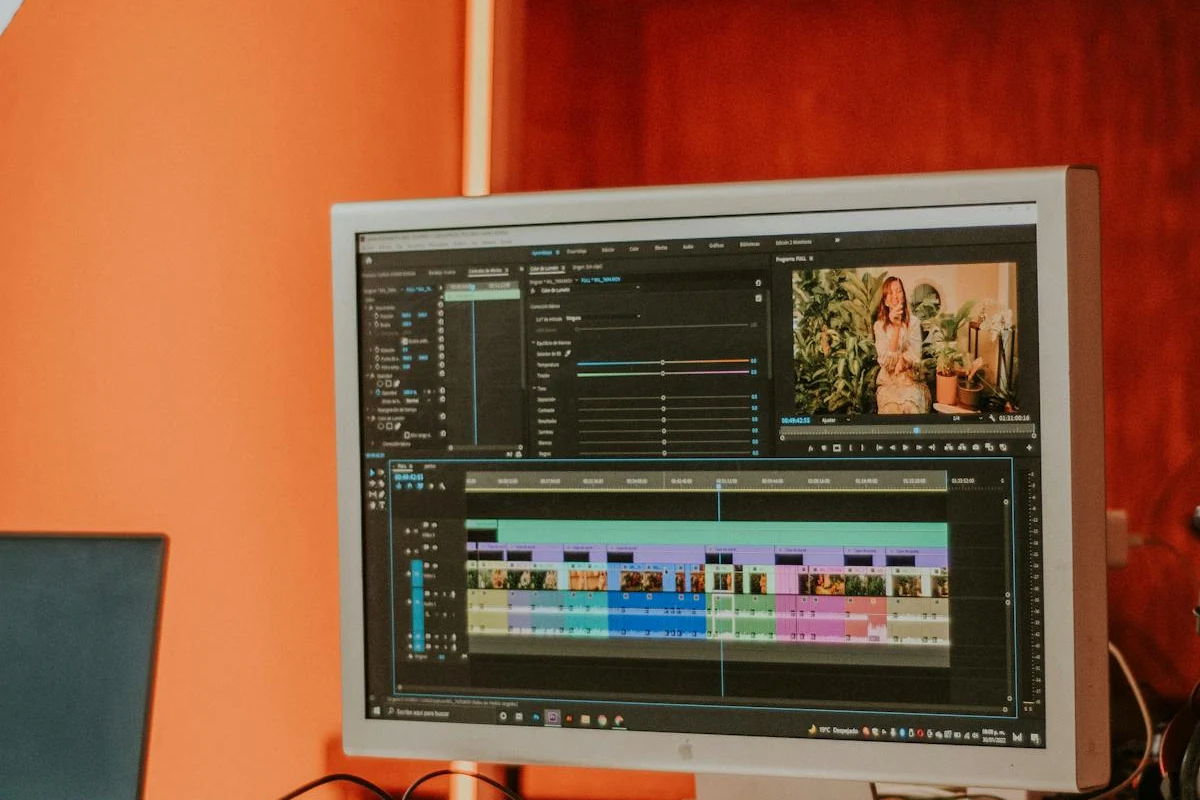
If you read three ergonomics guides, you'll get three slightly different recommendations for monitor height. The one you see most often — "top of the screen at eye level" — is repeated so much it's become folk wisdom. It's also the rule that gets large-monitor users into the most trouble.
The actual answer is more useful, and it comes from the same sources that produced the original rule of thumb.
What the standards actually say
OSHA's computer-workstation guidance doesn't fix the top of the screen at eye level. It fixes the center:
The center of the computer monitor should normally be located 15 to 20 degrees below horizontal eye level.
Cornell University's Ergonomics Web (CUErgo) says it slightly differently but means the same thing:
Eyes in line with a point on the screen about 2 to 3 inches below the top of the monitor… encouraging a slight downward gaze of 10 to 20 degrees.
The Canadian counterpart, CCOHS, lands in the same zone. All three are saying the same thing in different words: your relaxed gaze sits a little below horizontal, and the screen content you actually look at most should land in that zone.
Why the "top at eye level" rule works for some monitors
For a 24-inch 16:9 monitor — about 12 inches tall — putting the top at eye level puts the center about 6 inches below your eyes. At a normal viewing distance of 24 to 28 inches, that puts the center at roughly 12 to 14 degrees below horizontal. Close enough to the 15–20° target. So the rule works.
For a 27-inch monitor (about 13 inches tall), top-at-eye-level puts the center about 7 inches down — still inside the recommended cone. Fine.
The rule starts breaking down around 32 inches.
The bigger the monitor, the higher the top sits
A 32-inch 16:9 screen is about 16 inches tall. If you put the top at eye level, the center sits 8 inches below your eyes — which at typical viewing distance is around 18 degrees down. Still ok at the edge of the recommended zone, but only if you're sitting far enough back. Sit too close and you're craning your neck down to read the bottom of the screen.
A 38-inch ultrawide or a 43-inch 16:9 is significantly taller. Putting the top at eye level pushes the center way below the recommended range, and reading the bottom edge becomes a chin-down posture that fatigues neck flexors over the course of a day.
The fix is the rule the standards actually wrote: position the center of the screen in the 15–20° downward zone, and let the top fall where it falls. For a 32-inch screen at typical desk distance, that puts the top about an inch above eye level. For a 43-inch screen, two to four inches above. That's correct, even though it contradicts the meme.
Distance: arm's length, not closer
OSHA's recommendation for viewing distance is between 20 and 40 inches from your eyes to the screen. Cornell uses a quicker test: sit back, lift your arm out straight, and your fingertips should just brush the screen.
Most people sit too close. The reason is that most desks are 24–28 inches deep, so even with the monitor pushed all the way back to the wall, the screen ends up around 18–22 inches from your eyes once you account for the monitor stand and the keyboard. That puts you at the close end of the OSHA range, or below it.
Two practical takeaways:
- Bigger monitors need more distance, not less. A 32-inch 4K screen is comfortable around 28–32 inches away. A 43-inch screen wants 36+ inches. The bigger the screen, the further back you should sit, because you want the entire viewing area inside roughly a 60° horizontal cone — past that, you're turning your head instead of moving your eyes.
- Push the monitor to the back of the desk. Free up desk depth by mounting the monitor on a shelf or low riser at the rear. The keyboard and your hands take the front 12–15 inches; everything else can go further back. Why a monitor shelf is usually a better choice than an arm.
The whole rule, in one paragraph
Sit at arm's length from the screen. Position the screen so that when you look at the center of it, your eyes drop about 15 degrees below horizontal. For a 24-inch monitor that puts the top at eye level. For anything 32 inches or larger, the top sits above eye level — which is correct, even if it looks wrong. The center is what matters, not the top.
