
Why a Monitor Shelf Beats a Monitor Arm for Most People
The arm is solving a problem your sit-stand desk has already solved.
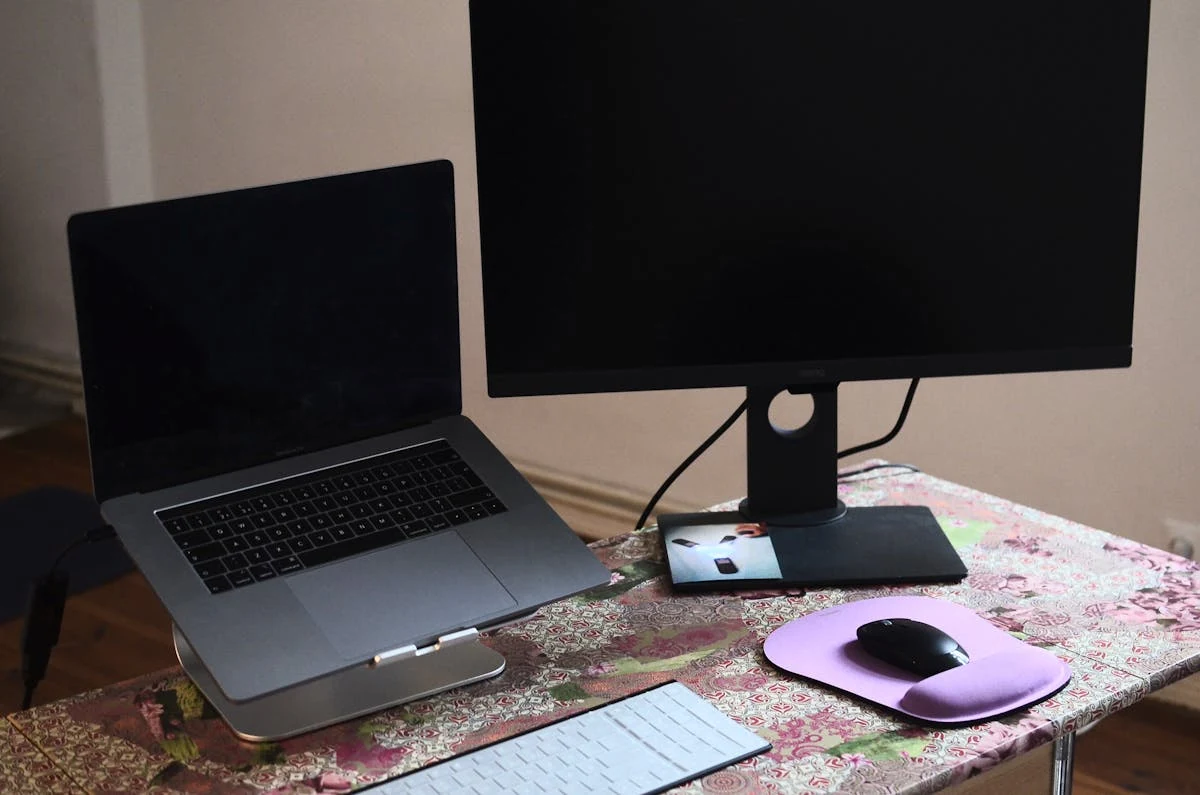
The marketing for monitor arms leans on adjustability. Raise the screen, lower it, swing it, tilt it. All true. But on a sit-stand desk, ask yourself when you'd actually use any of that adjustability. The answer for most people is "almost never," and the reason is worth thinking through.
The thing most people don't notice about sit-stand desks
When you raise your desk from sit to stand, the desktop goes up by about 13 inches for an average user. Your eye height also goes up by about 13 inches when you stand up from a chair, because that's roughly the difference between seated eye height and standing eye height for the same body.
Those two numbers are not a coincidence. They're the same number because the geometry that makes a desk ergonomic when you're sitting is the same geometry that makes it ergonomic when you're standing — your elbows still want to be at desk level either way.
So the relationship between your eyes and the desk surface is roughly constant across sit and stand. Which means the monitor doesn't need to move relative to the desk. If it's at the right height above the desk surface when you're sitting, it's at the right height when you're standing too.
What that means for hardware
The hard part of monitor positioning is figuring out the right height-above-desk for your body. Once you have that number, you don't need infinite adjustability anymore. You need one height.
That's a monitor shelf's entire job. It sits on the desk. The shelf surface is at a fixed height above the desk surface. The monitor sits on the shelf. Done. Twenty bucks at IKEA, or you can build one out of two cinderblocks and a board.
The vibration thing
Sit-stand desks are not as rigid as fixed-height desks. The telescoping legs introduce a small amount of play, and that play translates into a tiny back-and-forth wobble at the desktop when you type or click your mouse. On a shelf, that wobble travels straight from the desk to the shelf to the monitor. Annoying, but predictable.
Add a monitor arm and you've introduced a clamp at the desk edge, two or three pivot joints, and a moment arm sticking out 6–12 inches before the monitor. Each of those joints has some compliance in it. The same desktop wobble travels into the arm and gets amplified at the monitor — sometimes visibly, sometimes subliminally as a faint screen "shake" when you set down a coffee mug.
This is a real complaint that shows up consistently in monitor-arm reviews on sit-stand desks: the desk vibrates, the arm magnifies it. A shelf has nothing to magnify with. It's just a plank.
When you actually do want an arm
Arms aren't useless. Three legitimate reasons to buy one:
- Shared desks. If multiple people use the same desk at different heights, an adjustable arm lets each user dial in their own eye line. A fixed shelf can't do that.
- You need to swing the monitor out of the way. For video calls where you want eye contact with the camera, for desk-clearing rituals at the end of the day, or to share the screen with someone next to you. A shelf is permanent in place; an arm pivots.
- You want the monitor to float over the desk edge or off the front. Useful for photo / video editing setups where you push the monitor closer to your eyes for detailed color work, then back for normal use. Or if you want to free up the desk surface beneath the monitor.
If none of those apply, save the money and the wobble. Buy a shelf.
If you're going to buy an arm: get separate arms, not a multi-mount
The way arms get marketed for multi-monitor setups is dual-mount and triple-mount holders — one base, one pole, two or three swing-out arms sharing the structure. They look efficient and they're cheaper per monitor than buying individual arms. They're also a bad ergonomic compromise.
The problem is that a multi-mount physically constrains every monitor to the same depth, the same height, and roughly the same plane. The arms can articulate, but they all start from the same pole, so however much you push one monitor forward, you can't push it noticeably more forward than the others without the structure getting in the way.
Real multi-monitor ergonomics often wants the opposite. Common cases:
- Asymmetric depth: primary monitor close (for code, documents, design work); reference monitor further back (for chat, dashboards, terminals you glance at). The closer monitor needs to be a few inches forward of the further one to keep both centers in the comfortable viewing cone.
- Asymmetric tilt: the center monitor flat-on; the side monitors angled inward 15–20° so their planes face you instead of the wall. A multi-mount arm makes this physically awkward.
- Asymmetric height: a primary 32" plus a vertical 24" for code or chat. Two different heights, two different orientations.
Independent single arms — one per monitor — let you do all of this. They cost more, but they give you the adjustability the multi-mount only pretends to.
The short version
For a single-user sit-stand desk with a normal monitor: a $20 shelf is the right answer. It eliminates wobble, costs nothing, and accomplishes everything an arm would on this kind of setup. If you need adjustability for shared use or workflow flexibility, get a single arm per monitor and skip the dual/triple mounts. The "premium upgrade" sometimes isn't.
