
What's the Best Standing Desk in 2026? Three Picks, Three Different Bets
The Ergodriven Tempo, the Uplift V3, and the Deskhaus Apex Pro — and why two of them can be upgraded into the third.
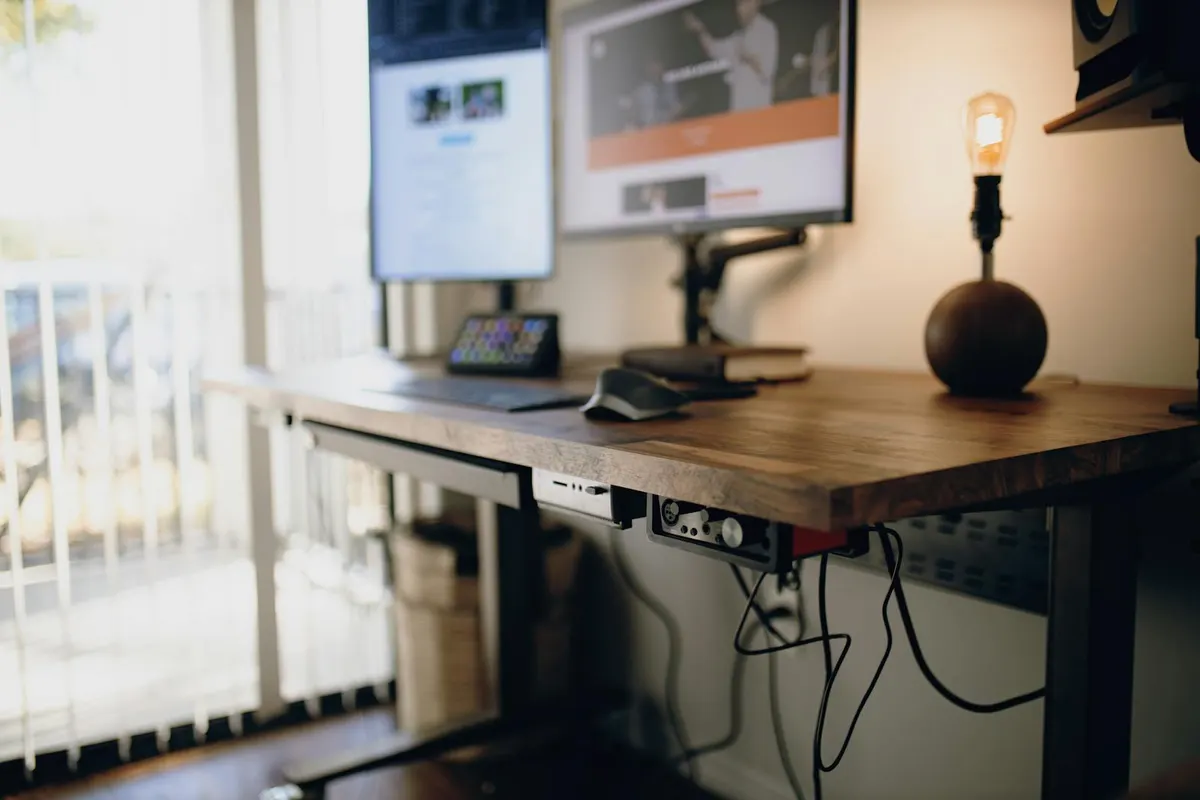
"What's the best standing desk?" is, by miles, the most-asked question in this category. The honest answer is that there isn't one. There are three — depending on what you weight.
We score every desk in our catalog on a 15-point composite (Ergo, Reviews, Warranty — methodology here). Three desks tie or near-tie at the top. The Ergodriven Tempo Pro at 14/15. The Uplift V3 at 14/15. The Deskhaus Apex Pro at 13/15. The score gaps inside that 13–14 band are not meaningful precision; the differences between the three desks are differences of philosophy, not of quality. (Ergodriven also offers the Tempo Elite — the 4-leg sibling of the Pro — for buyers who need more capacity, more height range, or extra stability; we'll touch on it below.)
The scorecard
- Ergodriven Tempo Automatic Standing Desk - Pro — Ergo 5/5, Reviews 4/5, Warranty 5/5 → 14/15. From $499. Known for: ergonomics.
- Uplift V3 — Ergo 4/5, Reviews 5/5, Warranty 5/5 → 14/15. From $599. Known for: corporate sales, depth of customization.
- Deskhaus Apex Pro — Ergo 4/5, Reviews 4/5, Warranty 5/5 → 13/15. Frame from $749 (desktop separate). Known for: stability and capacity.
The composite is deliberately not a "best desk" ranking. It's a "things that should not surprise you about this desk" score — long warranty, professional review coverage, low minimum height. More on what the score does and doesn't measure.
Ergodriven Tempo Pro — the desk that moves itself
The distinguishing feature of the Tempo Pro is one most people don't know they want until they've used it: the desk moves itself. Every other desk in this comparison sits at whatever height you last left it and depends on you to remember to stand. The Tempo Pro has the Tempo controller built directly into the frame. It uses a small infrared sensor to detect when you're actually at the desk, then on a cadence you set (e.g., 25 minutes seated, 10 minutes standing) it raises and lowers the desk on its own. You can dismiss any individual transition with a tap. After the initial setup, you don't think about it again.
That single feature is why the Tempo wins on Ergo (5/5 — the only desk in our catalog with a perfect Ergo score). The hardware around it is solid: 22.8–48.4" range covers the 37.5% rule for most adults, 355 lb capacity is plenty for any reasonable home-office monitor setup, dual motors run at a whisper-quiet 40 dB, and a 16-year all-component warranty is among the longest in the market. Pricing starts at $499 for the maple base config — striking for an integrated automation product. Walnut and butcher block tops push that to $700–$1,100. If you need higher capacity (670 lb), more height range (up to 51.6"), or 4-leg stability, the Tempo Elite starts at $649.
External coverage: Wired's Best Standing Desks round-up includes the Tempo. The Reddit r/StandingDesk discussions are unusually positive for a category where everything gets dunked on. Full third-party review summary on the Tempo Pro's model page.
Who it's for: anyone whose honest answer to "did I use my last standing desk past month four" is "no" — or anyone who has never owned one and wants to maximize the odds of forming the habit. The dropoff problem is the single biggest reason people regret the purchase. The Tempo Pro solves it at the hardware level.
Uplift V3 — the safe default
The Uplift V3 is what most reviewers point to when they say "the standing desk to beat in 2026." It's Wirecutter's top pick — and Uplift has held that pick since 2018, across the V2 and now the V3. What it wins on is a combination of stability, configurability, and warranty.
The 2026 V3 is the first significant frame redesign in years. The motor is meaningfully faster (2.0 in/sec, ~33% quicker than the V2). The frame is reinforced with I-beam crossbar rails and a stability plate, which is a real improvement against full-extension wobble — Wirecutter's testing called it stable enough to work on through almost any normal desk use. Assembly went from 32 screws on the V2 to 16 on the V3, and the FlexMount cable management system is now included free instead of sold separately. The 15-year all-inclusive warranty (frame, motor, electronics, and desktop) is unchanged.
The configurator is the deepest in the industry: 8 desktop sizes, 8+ desktop materials (laminate, bamboo, walnut, pheasantwood, acacia, rubberwood, reclaimed fir, whiteboard), four frame colors, and dozens of accessories. If you have an unusual preference — a 72×36 walnut top with a privacy panel and casters — Uplift will sell it to you.
External coverage: TechRadar ("everything I loved is upgraded"), Tom's Guide ("perfect investment"), Wirecutter, plus six others on the V3 model page.
Who it's for: most people. If you don't have a strong preference for one of the other two desks' specific bets — the Tempo's automation, the Apex Pro's industrial-grade build — the V3 is the safe default with the deepest customization, the longest review track record, and the warranty most likely to outlast your need for the desk.
Deskhaus Apex Pro — the heavy-duty bet
The Deskhaus Apex Pro is the desk you buy when stability and capacity matter more than features. It's a four-motor design — one motor per leg — with a 600 lb weight capacity (among the highest in the consumer market) and a 20-year frame and motor warranty, the longest of the three desks here. The frame is made and assembled in Holland, Michigan, which is unusual in a category dominated by overseas manufacturing.
Four motors do real work. Single- and dual-motor desks can develop slight drift over time as one side moves at a marginally different rate; four motors stay perfectly synchronized indefinitely. Reinforced double-column legs and a thick stabilizing crossbar give the Apex Pro the front-to-back rigidity that most single-leg desks struggle with at full height with heavy loads.
The trade-off: the Apex Pro ships frame-only. You supply or separately purchase the desktop. That's a feature for anyone who wants to use a custom slab, butcher block, or repurposed surface, and a friction point if you just want to buy a desk and use it. Pricing starts at $749 for the frame, with desktops adding $200–$400 depending on choice.
External coverage: third-party coverage is thinner than Uplift's (Deskhaus is a smaller manufacturer), but Standing Desk Topper has a thorough hands-on review, DowneLink covers it as the gold standard for rock-solid stability, and the RedditRecs aggregator shows roughly 33 positive / 1 neutral / 0 negative across recent r/StandingDesk discussions. Full review summary on the Apex Pro model page.
Who it's for: heavy-equipment setups (multiple ultrawide monitors, broadcasting rigs, machinist workbenches), buyers who specifically want American manufacturing, and DIY builders who want a top-tier frame to put their own desktop on.
The upgrade path: the Tempo controller works on all three
A common reaction to the Tempo line's built-in automation is, "but I want the Uplift" or "but I want the Deskhaus." Good news: you don't have to choose.
The Ergodriven Tempo Smart Controller — the same automation hardware built into the Tempo Pro and Elite — is sold separately as a universal upgrade. It replaces the standard control panel under your existing desk in about five minutes, with two screws. It's compatible with the controller systems used in both the Uplift V3 (Jiecang frame) and the Deskhaus Apex Pro (Linak frame), as well as Jarvis, UpDesk, xDesk, and several other popular desks. Once installed, you get the same presence-aware automation that ships in the factory Tempo: cadence-driven transitions, dismissable bumps, sit/stand ratio tracking, no app required. More on how the Tempo controller actually works.
What this means for the comparison: the choice isn't really "automation or not." It's "automation built in, vs. stability and configurability with automation as an upgrade." At ~$99 for the controller as a separate buy, the upgrade path doesn't cost meaningfully more than the integrated path — so this really is a feature-fit choice rather than a price one. The integrated path skips a 5-minute swap; the upgrade path lets you start with the Uplift's customization or the Apex Pro's build and add the automation later — or never, if it turns out not to be for you.
Bottom line
If you already know which way you lean, trust the lean. They're all good desks.
If you don't know which way you lean, here's a triage:
- Buy the Ergodriven Tempo Pro (or the Elite if you need extra capacity or height range) if you've owned a standing desk before and stopped using it, or if you've never owned one and want to maximize the odds of forming the habit. Automation built in.
- Buy the Uplift V3 if you want maximum configurability, the deepest accessory ecosystem, and the safest "this desk will outlast my need for one" bet. Add the Tempo controller later if you want the automation too.
- Buy the Deskhaus Apex Pro if you have heavy equipment, prefer domestic manufacturing, or want to build a custom desktop on top of a premium four-motor frame. Add the Tempo controller later if you want the automation too.
The three desks score 14, 14, and 13 on our composite — see our methodology for what that score is actually measuring (and what it isn't). Numbers within a point of each other are not meaningful precision. The decision among these three is a trade-off question, not a quality question.
