
What Weight Capacity Do You Actually Need on a Standing Desk?
Less than the marketing implies. Most home setups weigh 50–80 lbs. The E7's 355 lbs covers 95% of users.
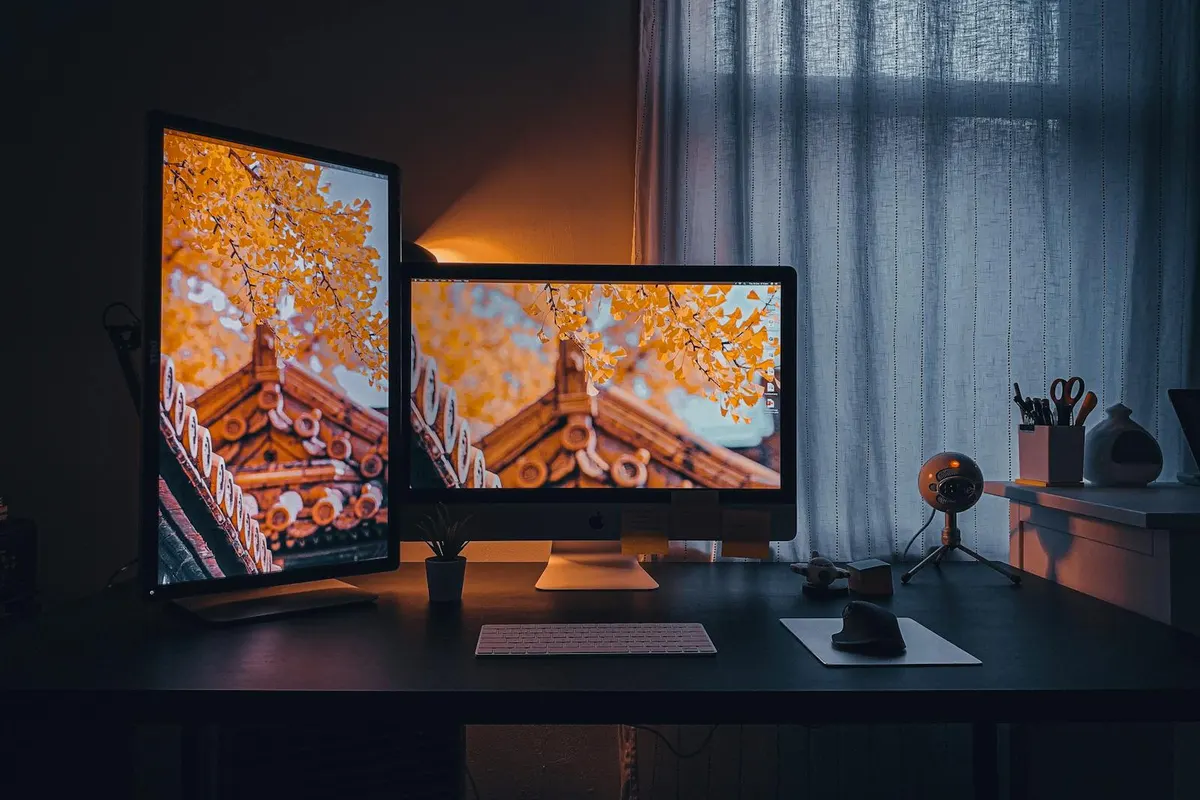
"Up to 355 pounds!" "Holds 600 pounds!" Standing desk weight capacities sound impressive, and they're also one of the most over-marketed specs in the category. Most home setups weigh 50–80 pounds. The headline number on the box is engineering margin you may not need.
What you actually weigh down a desk with
Real-world load math, by component:
- 27" 4K monitor: 12–18 lb each. Bigger ultrawides go 20–30 lb.
- Monitor arm: 5–15 lb. Heavy-duty arms (Ergotron, Humanscale) are at the higher end.
- Laptop or laptop dock: 3–6 lb.
- Desktop tower (sitting on top, not under): 15–50 lb depending on build. Most people have this on the floor or a CPU mount under the desk, where it doesn't count toward desktop load.
- Mechanical keyboard: 2–5 lb. Standard membrane keyboard: ~1 lb.
- Mouse, mousepad, headset, lamp, drinks, books, accessories: 5–15 lb total.
Add it up for a few common configurations:
- Laptop + single monitor on arm: ~25–40 lb total. A toddler.
- Standard home office (laptop, dock, two monitors on arms, keyboard, mouse, lamp): ~50–75 lb. The vast majority of buyers.
- Heavy desktop setup (tower on the desk, three monitors on heavy arms, mechanical keyboard, accessories): ~100–130 lb.
- Broadcasting / streaming rig (two cameras on arms, audio interface, multiple monitors, lighting controllers, broadcaster's console): ~150–200 lb.
- Workshop / machinist setup (heavy tools, vise, fixtures): ~250+ lb.
What the spec actually means
Most desk capacities are lifting capacities — the maximum weight the motors can raise smoothly from the lowest position to the highest. Static (resting) capacity is usually higher, but lifting is the spec that matters because it determines whether the desk operates as designed.
Desks operating near rated capacity have three problems:
- Motors wear faster. A motor moving 350 lb has materially higher current draw and heat than the same motor moving 80 lb. Years 5–10 are when this shows up.
- Wobble amplifies. The same physics that produces full-height wobble compounds with mass. A desk near its rated capacity wobbles more than the same desk near 25% of capacity.
- Warranty risk. Some manufacturers void warranty claims if the failure happened on a heavy load. The fine print matters.
The practical implication: you want the rated capacity to be 2–3× your actual load. Not 10×. Not 1.5×. About 2–3×.
The recommendation by use case
- Standard home office (50–80 lb): 250–355 lb capacity is plenty. The Flexispot E7 and the Tempo Pro — both at 355 lb — are sweet-spot picks here.
- Heavy desktop setup (100–130 lb): 355 lb is adequate; 440 lb (E7 Pro), 600 lb (Apex Pro), or 670 lb (Tempo Elite) gives you headroom for future upgrades.
- Broadcasting / streaming (150–200 lb): 600+ lb is the right target. The Apex Pro at 600 lb and the Tempo Elite at 670 lb are both right calls here — the Elite slightly edges the Apex Pro on capacity, while the Apex Pro's four-motor architecture is better for drift-control under sustained heavy loads.
- Workshop/machinist (250+ lb): Apex Pro or similar four-motor frames. The four-motor architecture also reduces drift over time at high loads.
What about a treadmill or walking pad?
A common confusion: the walking pad goes under the desk, on the floor. It doesn't count toward the desk's lifting capacity because the desk isn't lifting it. Your weight while standing on the pad is also on the floor, not on the desk. No capacity adjustment needed.
Bottom line
For 95% of buyers, 355 lb capacity is plenty. The E7 and the Tempo Pro at 355 lb cover home offices, multi-monitor setups, and anything short of broadcasting equipment. The Apex Pro's 600 lb and the Tempo Elite's 670 lb are real and useful for the specific use cases above; for everyone else they're over-spec'd in a way that doesn't pay back. Pay for the capacity you'll actually use, plus a 2–3× buffer. Pay extra for capacity you won't use, and you're paying for a different desk's benefit.
