
How to Work From a Coffee Shop Without Wrecking Your Back by 3 PM
Cafe chairs and laptops are an ergonomic worst-case. Here's how to make it work for a 2–4 hour session.
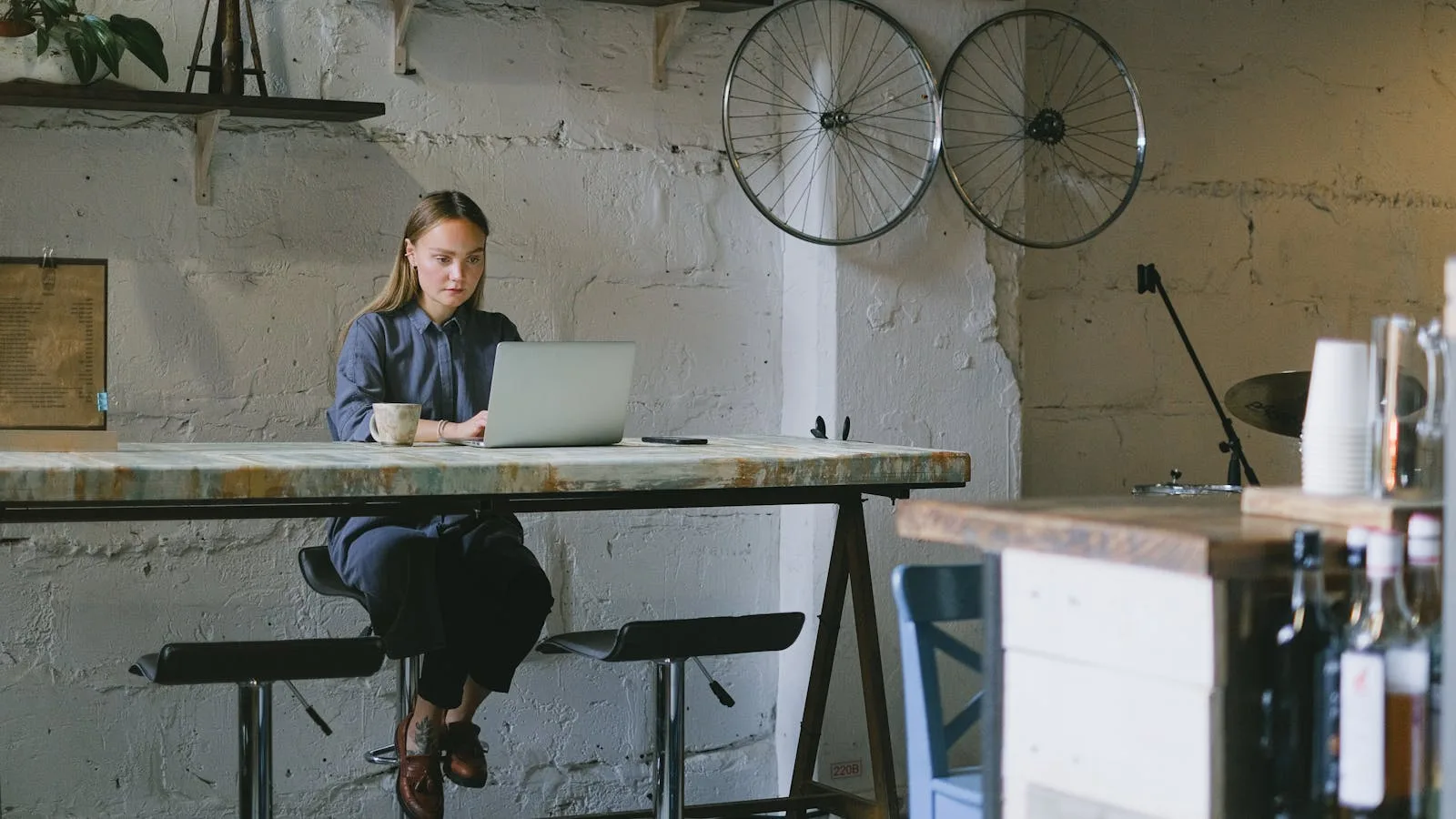
Working from a cafe is one of those things that sounds great on Monday and produces a stiff neck by Thursday. The reason is a stack of small geometry mismatches: the chair is built for a 20-minute sit, the screen is 12 inches below your eye line, and the table is either at café height (too high to type comfortably) or dining height (too low to look at the screen comfortably). Plus you're hunched over a laptop, which is the worst single piece of ergonomic geometry in modern life. Tech neck adds up faster than people think.
This post is the short, practical playbook for making a 2–4 hour cafe session not destroy you. It's also useful for hotels, airports, libraries, and anywhere else you end up working away from your desk.
The geometry problem in one paragraph
Your eyes should be roughly level with the top third of your screen. Your forearms should be roughly horizontal when typing. With a laptop, those two constraints are in direct conflict: if the screen is at eye level, the keyboard is too high; if the keyboard is at the right height, the screen is too low. The fix is to break them apart — raise the screen and add an external keyboard. Without that, you're committing to neck strain or wrist strain, and most people split the difference and get both.
The pack-friendly kit
Three items, total weight under two pounds, fits in any laptop bag:
- Portable laptop stand. Roost (~$80), Nexstand K2 (~$35), or the Moft (~$30). All fold flat. All raise the screen 6–8 inches. The Roost is the gold standard for travel; the Nexstand is the right balance of price and adjustability for most people. Skip the heavier metal stands — you'll stop carrying them.
- Compact external keyboard. Logitech K380 (~$40), Keychron K3 (~$80 if you want mechanical), or Apple Magic Keyboard if you're in that ecosystem. Tenkeyless is fine; full-size is bulky. Make sure it's Bluetooth, not USB-only — cafe outlets are scarce.
- Compact mouse. Logitech MX Anywhere 3, Apple Magic Mouse, or any small Bluetooth model. Trackpads are okay for short use; mice are noticeably better for the wrist over a 3-hour session. A vertical compact mouse like the Logitech Lift is even better if you're carrying one anyway. More on why vertical here.
Total cost: roughly $100–$150. Total weight: ~1.5 pounds. Total benefit: the difference between a productive 3-hour cafe day and a neck-pain Thursday.
Picking the right seat in the cafe
This matters more than people realize. In rough order of preference:
- Bar / counter height with a footrail. Often the best option in a modern cafe. The table is high (close to standing-desk height), you're half-perched, you can shift between sitting and leaning, and the footrail gives you somewhere to put your feet. With your laptop on a stand and an external keyboard, you can get close to a real standing-desk posture.
- Standard table with a chair that fits. Look for a chair where, when you sit fully back, your feet rest flat on the floor and your forearms reach the table at a roughly horizontal angle. Test it before committing.
- Couch and low coffee table. Looks comfortable; it's a trap. You'll be hunched in a banana shape within 20 minutes and your neck will pay for it. Avoid for working; fine for reading.
- Window bench with a too-low table. Common in older cafes. The screen is below your eye line by 18 inches; your neck is in full flexion. Don't.
The 90-minute rule
Even with the perfect setup, cafe seating fatigues you faster than a real workstation does. Plan to change positions every 60–90 minutes. Stand up. Order a refill. Take a 5-minute walk. Move to a different seat if the first one's not working. If you're not willing to do this, expect to be sore at the end of the session — no kit replaces movement.
Ergodriven's cafe ergonomics post makes a related point: a slightly uncomfortable chair that nudges you to move every hour is sometimes better for a cafe session than a deeply cushy one that lets you slump for three hours straight.
What to skip
- Cafe-mode mobile apps that promise to "fix" your posture without hardware. They don't. The geometry problem is real and isn't solvable with notifications.
- Multi-monitor portable setups. Heavy, expensive, and the cafe is the wrong place for them. Save the dual-screen workflow for home.
- Long sessions in places with no outlets. The battery anxiety adds cognitive load that no ergonomics fix can compensate for.
Bottom line
A cafe session can be productive and not painful with about $100 of accessories and one good seat. Without those, you're committing to ergonomic damage in exchange for ambient noise. The bag setup is reusable for hotels and airports, the kit fits in any laptop bag, and the marginal benefit per session is large. If you cafe-work more than once a week, this is the cheapest upgrade to your remote-work life.
